Wave face, at a glance.

Surf companion · Apple Watch
Check the tide. Paddle out. Log the session.
Made for the water
Overview
Standing on shore or sitting in the lineup, a quick glance gives you the wave estimate, wind and tide at your break.
See the watch screens
Wave face, at a glance.
Surf conditions

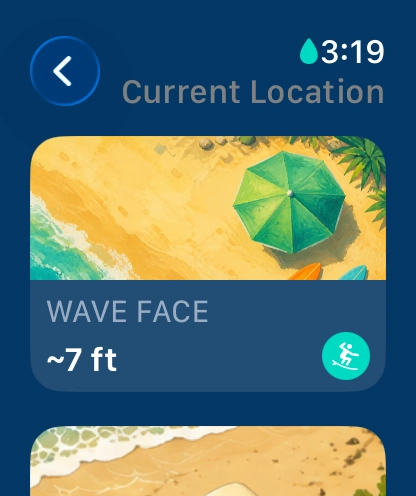
Get a breaking-height estimate for your spot. Tap the number to see how it was calculated.
Check the wind direction and speed alongside the swell period.
See the temperature at your break before you choose a suit.
Turn the Digital Crown to find the next high or low in the 24-hour forecast.
On the watch
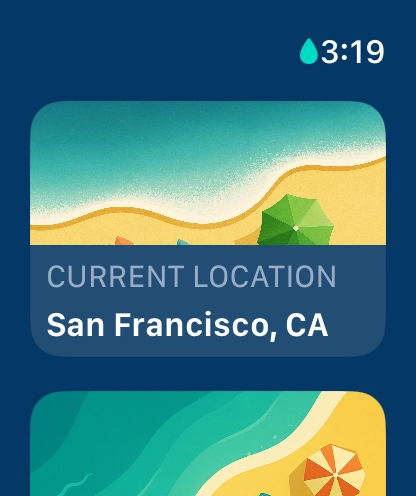
Use your current location or pull up a favorite spot.
Read the estimated breaking height at a glance.
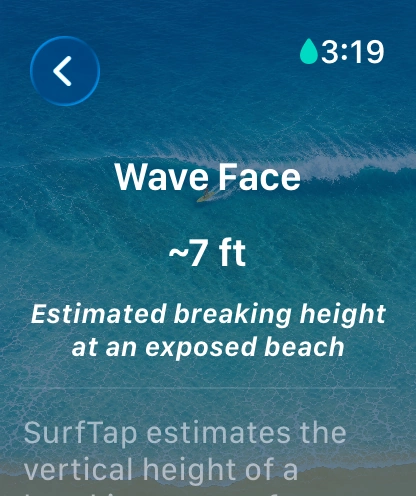
Tap the estimate to see how SurfTap works it out.
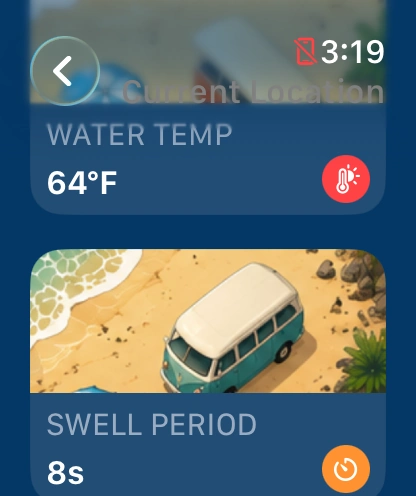
See the water temperature and the time between swells.
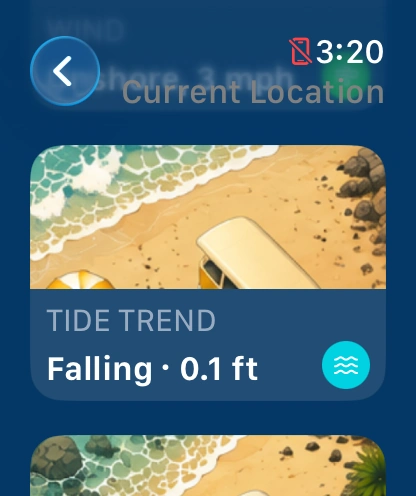
See the latest tidal height and whether the water is rising or falling.
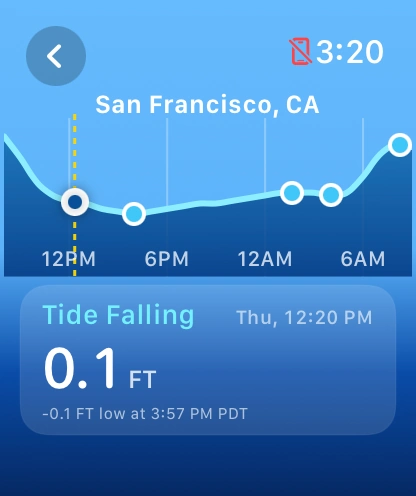
Follow the tide curve through the next high and low.
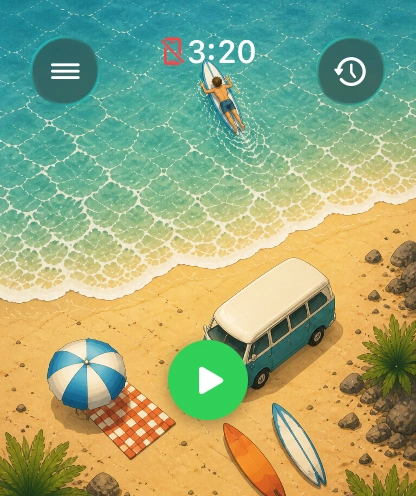
Tap the play button when you’re ready to paddle out.
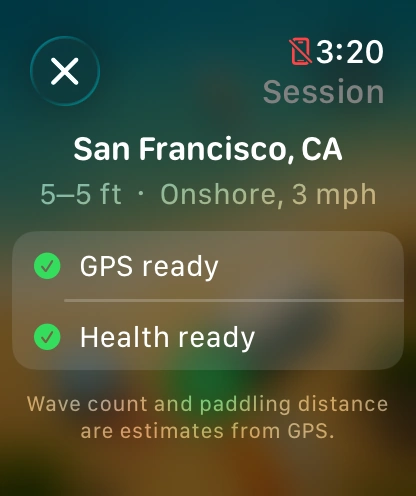
See whether GPS and Apple Health are ready to record.
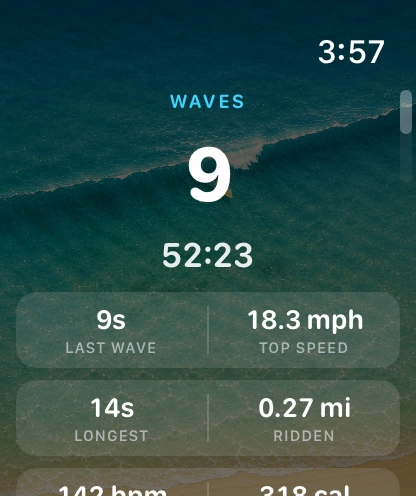
Glance at your estimated wave count, speed and ride duration.
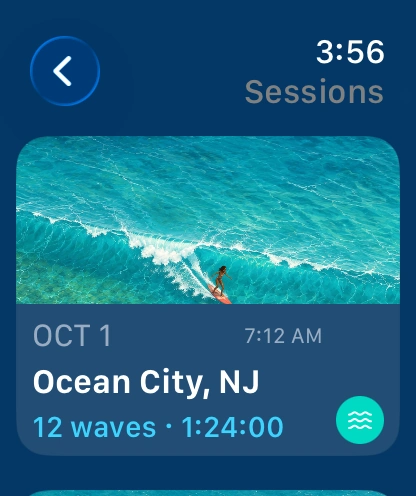
Pick a past surf by break, date, duration and wave count.
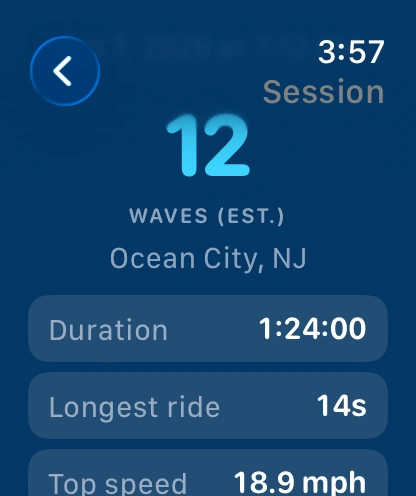
Look up your longest ride, top speed and total time in the water.

Session tracking
SurfTap estimates wave count, speed and distance from GPS.
Tide timeline
On the watch, turn the Digital Crown to move through the day. Try the slider here to explore a sample tide at Ocean Beach.
Sat, 6:00 AM
FAQ
It’s an estimate of the height of the breaking face at an exposed beach, based on swell height and period. A sheltered break can look quite different. Tap the wave card for the explanation.
SurfTap uses marine forecasts from StormGlass for your selected spot. Your watch keeps the last report on hand when reception drops.
Session history keeps the location, duration, estimated wave count and ride details on your device. With your permission, SurfTap can also save the workout to Apple Health.
A public GitHub repository is planned. Until it opens, you can visit the developer on GitHub.
Free download
Six illustrated boards with transparent backgrounds. Download the set as scalable SVGs and transparent PNGs, with the license included.
Download the icons ↓






Open source · Coming soon
The public repository is coming soon. Until then, you can find SurfTap’s developer on GitHub.
Visit the developer’s GitHub